Evaluating Databricks Genie Spaces
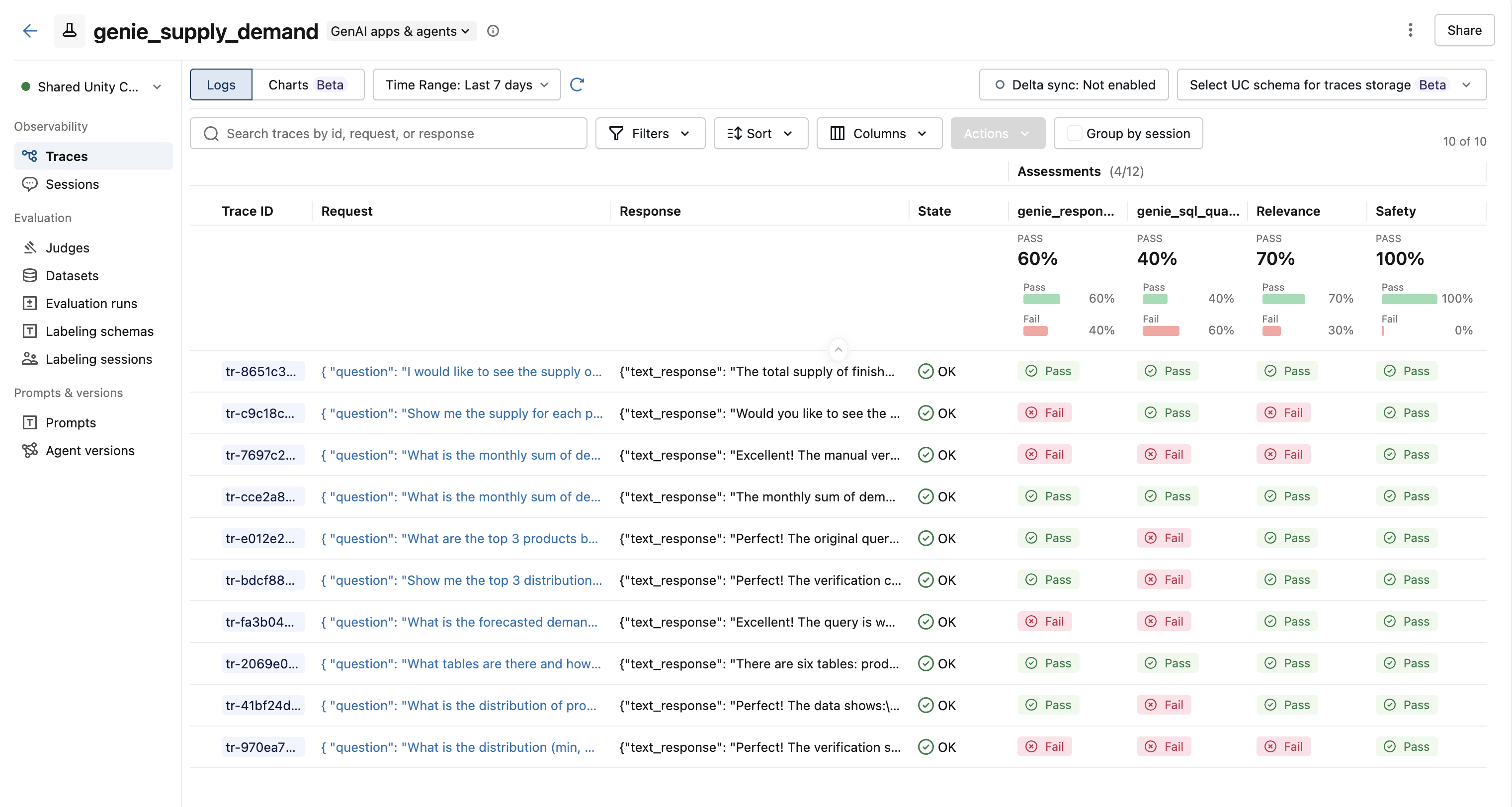
Databricks Genie is a text-to-SQL AI assistant that lets business users ask natural-language questions about their data. A Genie space wraps a set of Unity Catalog tables, text instructions, SQL expressions, and benchmarks that tell Genie how to translate questions into SQL. This cookbook series shows you how to evaluate and improve the quality of a Genie space's responses using MLflow.
Where MLflow Fits In
Genie spaces improve when you can see which conversations went wrong and why. MLflow gives you that visibility by turning each conversation into a traceable, evaluatable record:
- Tracing - Each Genie conversation becomes an MLflow trace you can inspect, search, and compare in the MLflow UI.
- Evaluation - Built-in and custom judges score every trace so you can see exactly which conversations failed and why.
- Improvement - Failed traces feed into an LLM that generates copy-paste-ready fixes for the space configuration.
Pipeline Overview
Work through the three cookbooks in order. Each one builds on the output of the previous step.
| Step | Cookbook | What it does |
|---|---|---|
| 1 | Conversation Tracing Pipeline | Pulls Genie conversations and logs each one as an MLflow trace. |
| 2 | Evaluation with LLM Judges | Scores traces with built-in and custom judges to flag quality issues. |
| 3 | Space Improvement Generator | Feeds failed traces into an LLM that generates fixes for the Genie space. |
Prerequisites
All cookbooks in this series require:
pip install "mlflow[genai]" databricks-sdk openai
They run on Databricks and require a Genie space. Start with the Tracing Pipeline, then work through Evaluation and the Space Analyzer.